What is OrthoSketch Free?
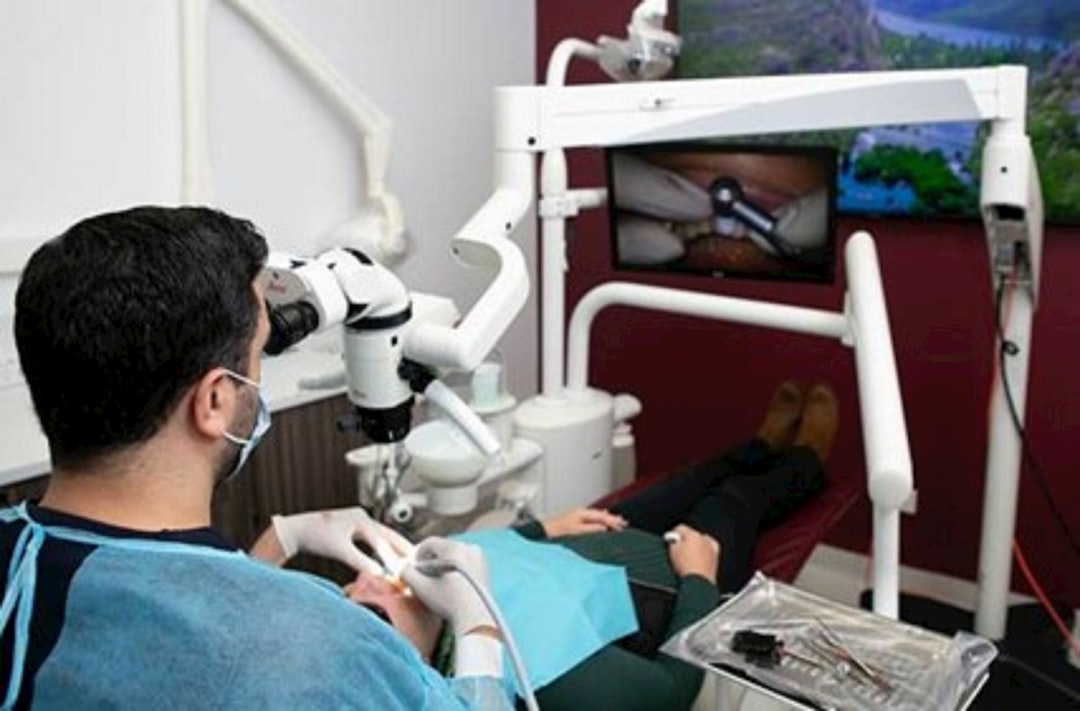
OrthoSketch Free is a powerful tool designed to help orthodontists and dentists create accurate and detailed sketches of their patients’ teeth and orthodontic appliances. This software is part of the Additional Tools category and offers a range of features that make it an essential tool for any dental practice. In this article, we will explore the benefits of using OrthoSketch Free, its key features, and provide a step-by-step guide on how to use it effectively.
Main Features of OrthoSketch Free
OrthoSketch Free offers a range of features that make it an ideal tool for orthodontists and dentists. Some of the main features include:
- Easy-to-use interface: The software has a user-friendly interface that makes it easy to navigate and use, even for those who are not tech-savvy.
- Accurate sketches: OrthoSketch Free allows users to create accurate and detailed sketches of their patients’ teeth and orthodontic appliances.
- Customizable templates: The software comes with a range of customizable templates that can be used to create sketches for different types of orthodontic appliances.
- Collaboration tools: OrthoSketch Free allows users to collaborate with colleagues and share sketches with patients and other stakeholders.
Installation Guide
System Requirements
Before installing OrthoSketch Free, make sure your computer meets the following system requirements:
- Operating System: Windows 10 or macOS High Sierra (or later)
- Processor: Intel Core i3 or AMD equivalent
- Memory: 4 GB RAM (8 GB recommended)
- Storage: 500 MB available space
Download and Installation
To download and install OrthoSketch Free, follow these steps:
- Go to the Toolsdent website and click on the