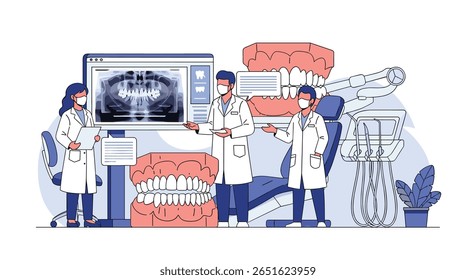
What is 3D Slicer (Dental Extensions)?
3D Slicer (Dental Extensions) is a comprehensive software tool designed specifically for dental professionals, particularly those involved in implantology and surgery. It offers a wide range of features that enable users to visualize, analyze, and manipulate 3D dental models with precision and accuracy. This powerful tool is built on top of the 3D Slicer platform, which is widely used in the medical imaging community.
Main Features and Benefits
Some of the key features of 3D Slicer (Dental Extensions) include advanced 3D visualization capabilities, support for various file formats, and a user-friendly interface. These features allow dental professionals to import, view, and manipulate 3D models of teeth, bones, and other oral structures with ease.
Installation Guide
System Requirements
Before installing 3D Slicer (Dental Extensions), it is essential to ensure that your computer meets the minimum system requirements. These include a 64-bit operating system, at least 8 GB of RAM, and a dedicated graphics card.
Download and Installation
To download 3D Slicer (Dental Extensions), simply visit the official website and follow the download link. Once the download is complete, run the installation file and follow the on-screen instructions to install the software.
Technical Specifications
Supported File Formats
3D Slicer (Dental Extensions) supports a wide range of file formats, including DICOM, STL, and OBJ. This allows users to import and export 3D models from various sources, including CT and MRI scanners.
Offline Repository Setup
To ensure resilient backups and faster recovery, it is recommended to set up an offline repository for 3D Slicer (Dental Extensions). This can be done by creating a local repository on an external hard drive or network-attached storage device.
Pros and Cons
Advantages
Some of the advantages of using 3D Slicer (Dental Extensions) include its advanced 3D visualization capabilities, user-friendly interface, and support for various file formats. Additionally, the software is free to download and use, making it an excellent option for dental professionals on a budget.
Disadvantages
One of the main disadvantages of 3D Slicer (Dental Extensions) is its steep learning curve. The software requires a significant amount of time and effort to master, particularly for users without prior experience with 3D modeling software.
FAQ
How to Import Files into 3D Slicer (Dental Extensions)?
To import files into 3D Slicer (Dental Extensions), simply click on the